Crop close to the face
A portrait works best when the face fills enough of the design and the background does not take over.
Use a clear portrait photo, adjust crop and size, and create a bead pattern for faces, people, and memories.
Clear crop · More contrast · More beads preserve more detail
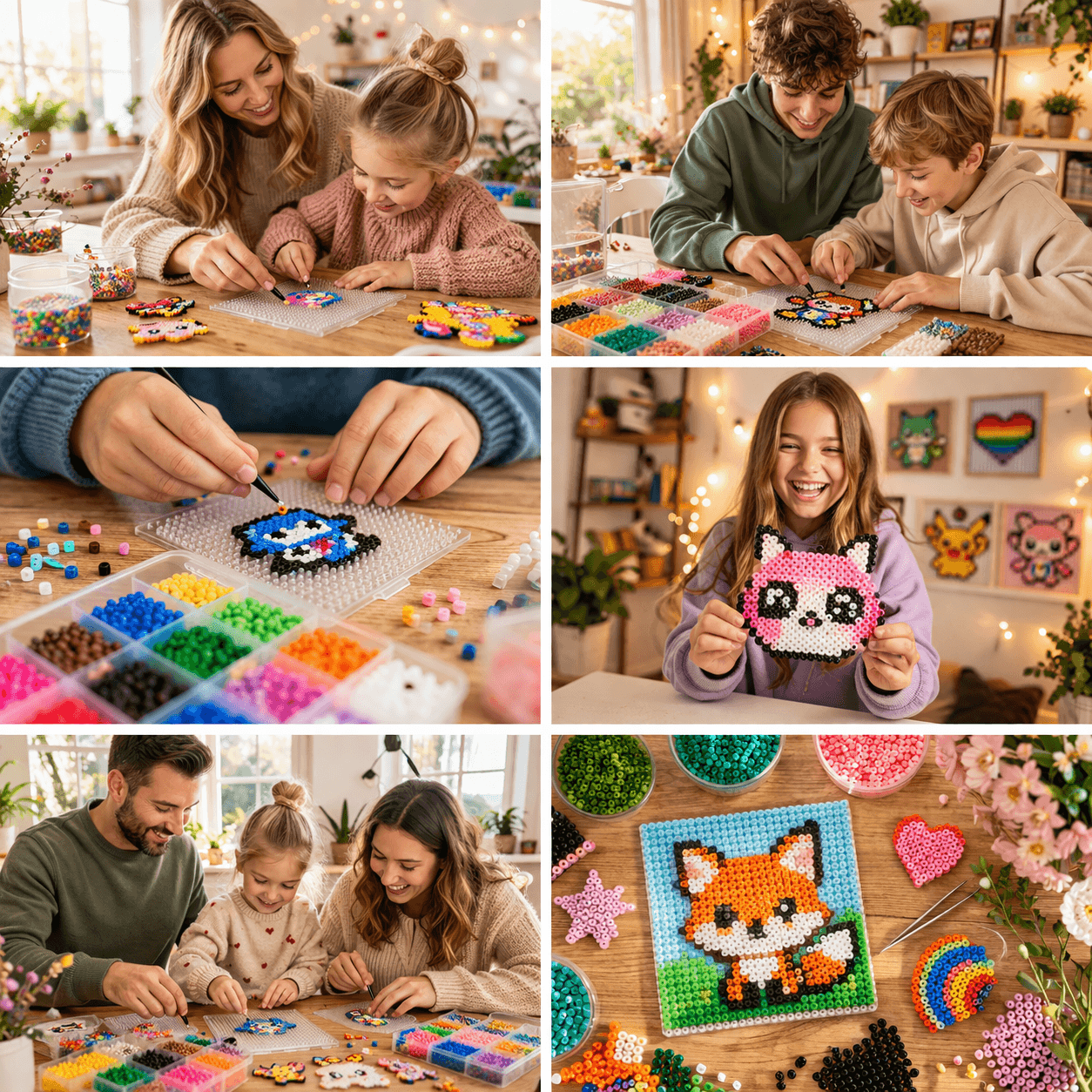
A portrait works best when the face fills enough of the design and the background does not take over.
Light, shadow, and strong shapes help the pattern keep eyes, hair, and facial features readable.
Small portraits become more stylized. Larger patterns leave more room for recognizable detail.
A bead pattern cannot reproduce a photo with full realism. The best results usually come from a simple subject, clear color areas, and a size that matches the face detail you want to keep.
Read the general guideUse the gallery to see how different motifs, colors, and sizes work as bead patterns before making your own portrait.
Open galleryStart in the designer, choose a clear image, and adjust the motif for beads.
Make portrait bead pattern