1. Upload your image
Start with a photo, drawing, or motif you want to turn into a bead project.
Upload an image, choose a bead type, and get a clear bead pattern you can adjust and download as a PDF.
No login required for preview · Danish and English · PDF ready to print
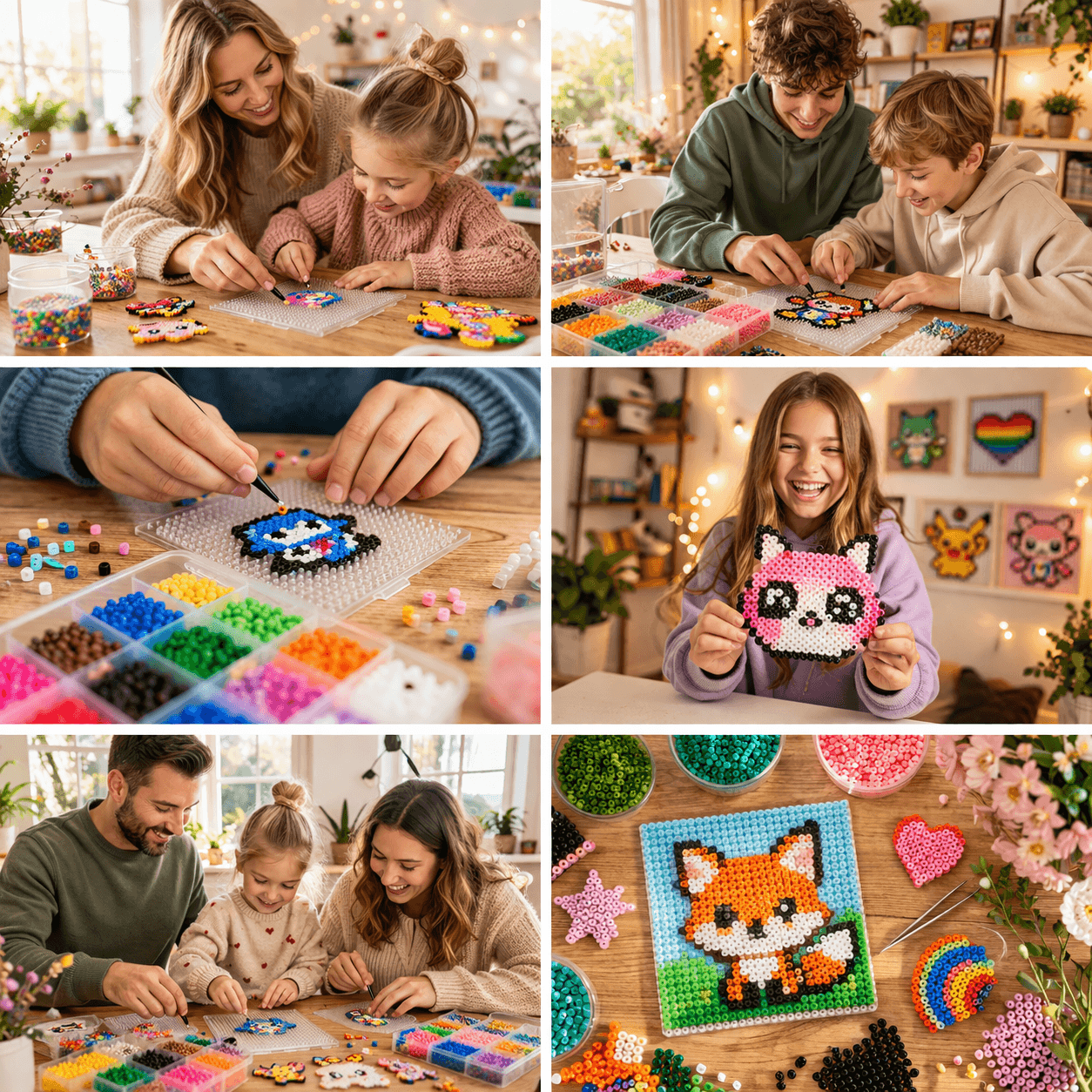
Start with a photo, drawing, or motif you want to turn into a bead project.
Adjust the motif for the beads and boards you want to work with.
Use the preview right away, or download a PDF that is ready to print.
The gallery shows published bead patterns from other users, so you can see motifs, colors, and sizes before you start.
Open galleryBead type and board size affect both detail and final size. Review the supported bead types before making your pattern.
View bead typesSee how bead type and board size affect patterns for Hama bead projects.
View the Hama beads pattern makerPortraits need a clear crop, good contrast, and enough beads for facial detail.
See the portrait bead pattern guideStart with an image and see your first preview in the designer.
Make bead pattern from photo